> For the complete documentation index, see [llms.txt](https://docs.inji.io/llms.txt). Markdown versions of documentation pages are available by appending `.md` to page URLs; this page is available as [Markdown](https://docs.inji.io/inji-verify/functional-overview/end-user-guide/credential-display-capabilties.md).
# Credential Display Capabilties
## Overview
This guide covers how Inji Verify displays verification results and renders credentials after validation. Understanding these display capabilities helps verifiers quickly interpret credential status, view issuer-branded presentations, and access multilingual claim values.
Inji Verify provides clear visual indicators for credential validity, supports SVG-based rendering to preserve issuer branding, and enables multilingual display for global accessibility.
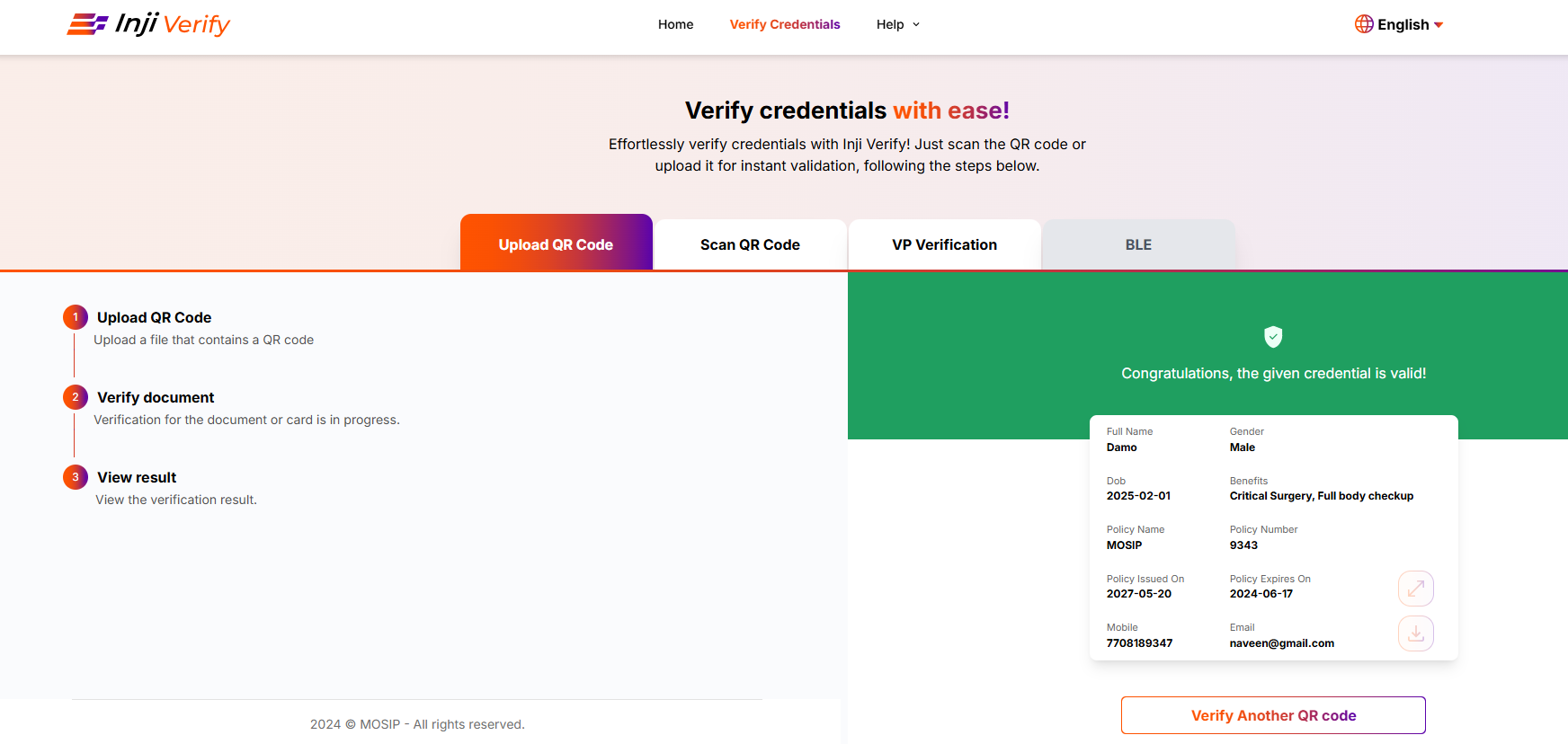
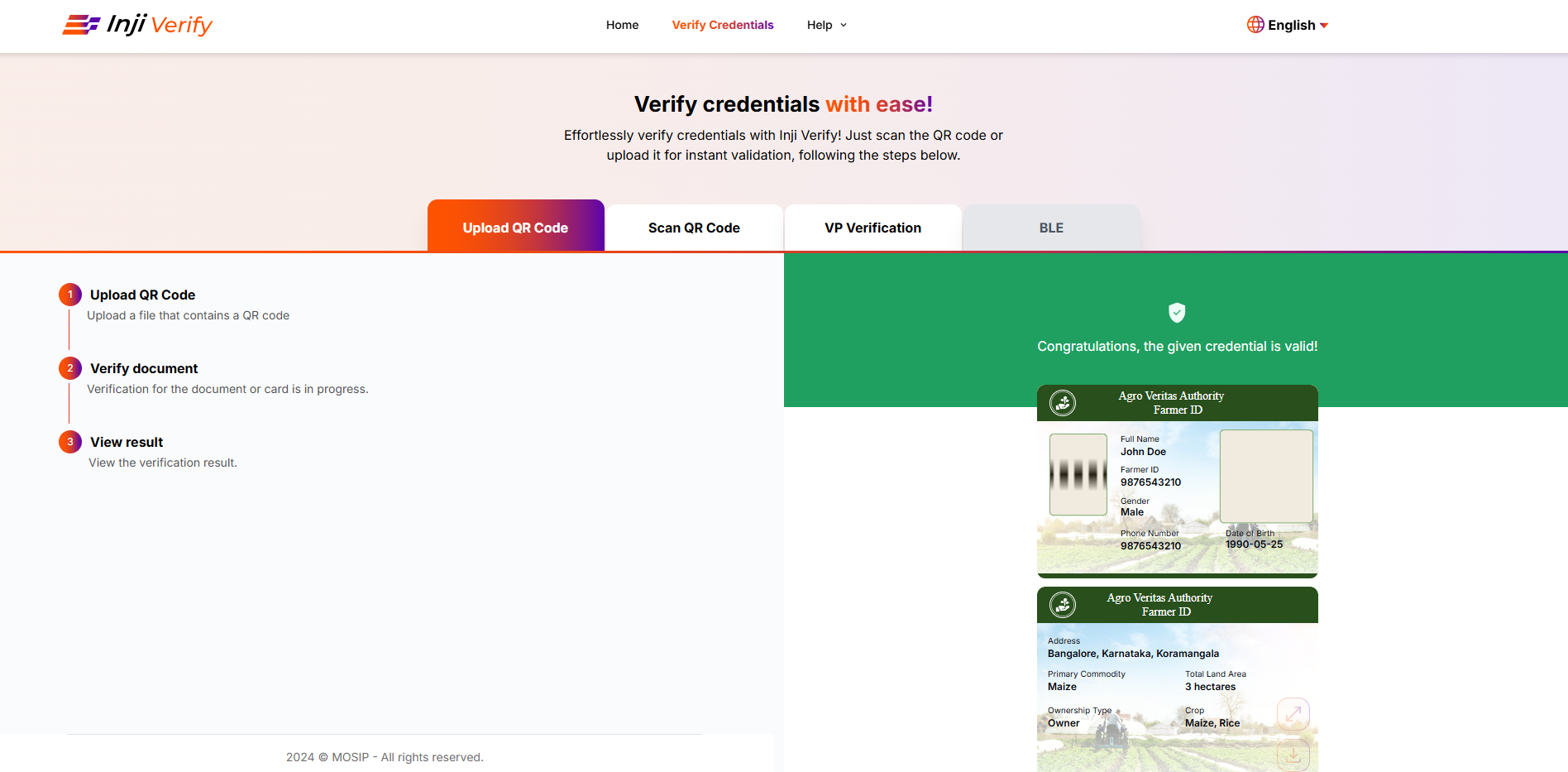
### Valid Credentials
* These credentials are currently active and verified using the Inji Verify Portal.
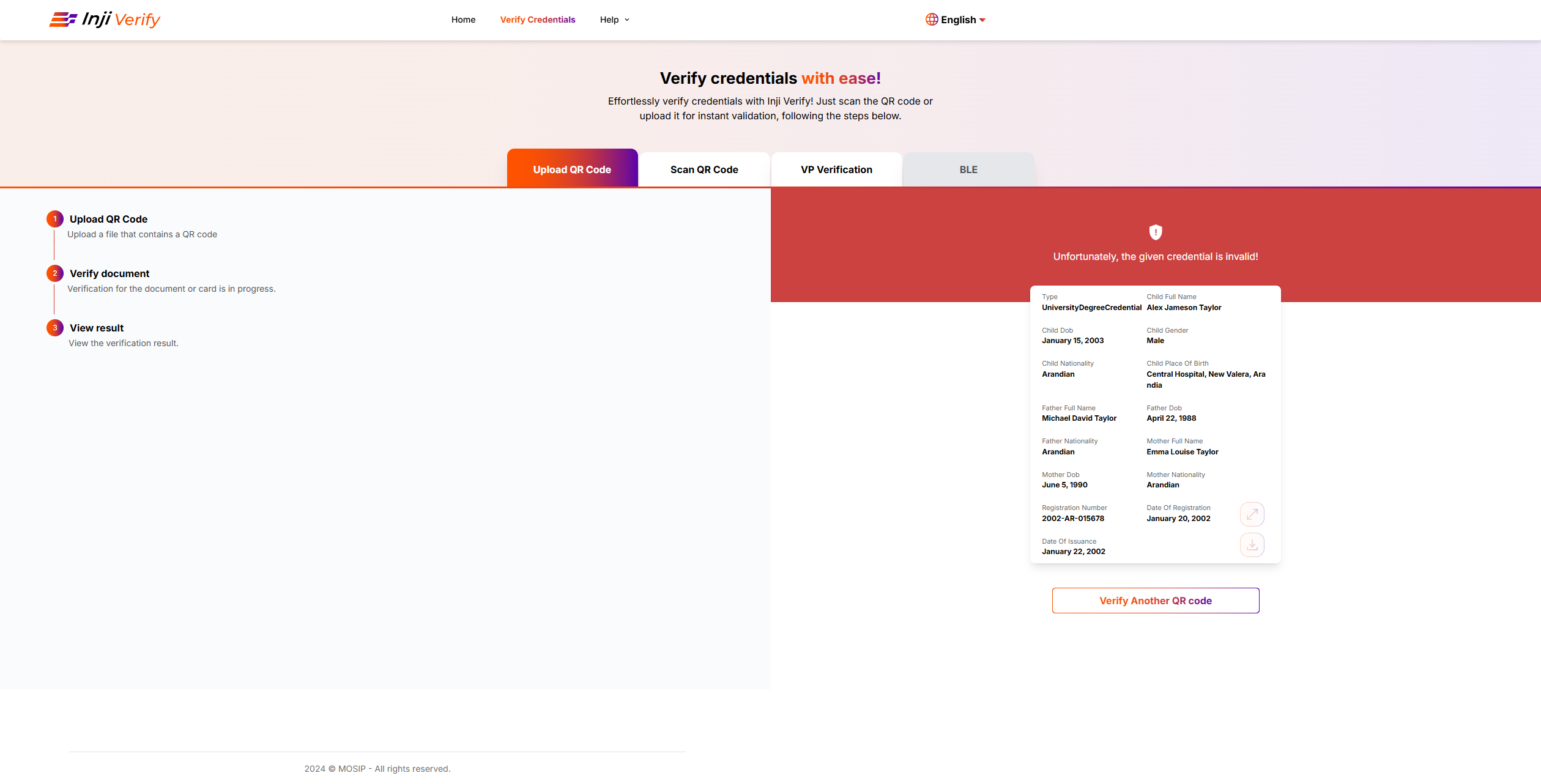
### Invalid Credentials
* These credentials are currently active but invalid.
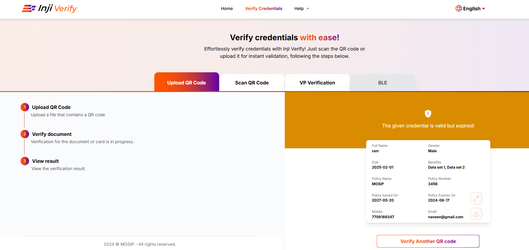
### Expired Credentials
* These credentials have passed their validity period and are no longer active.
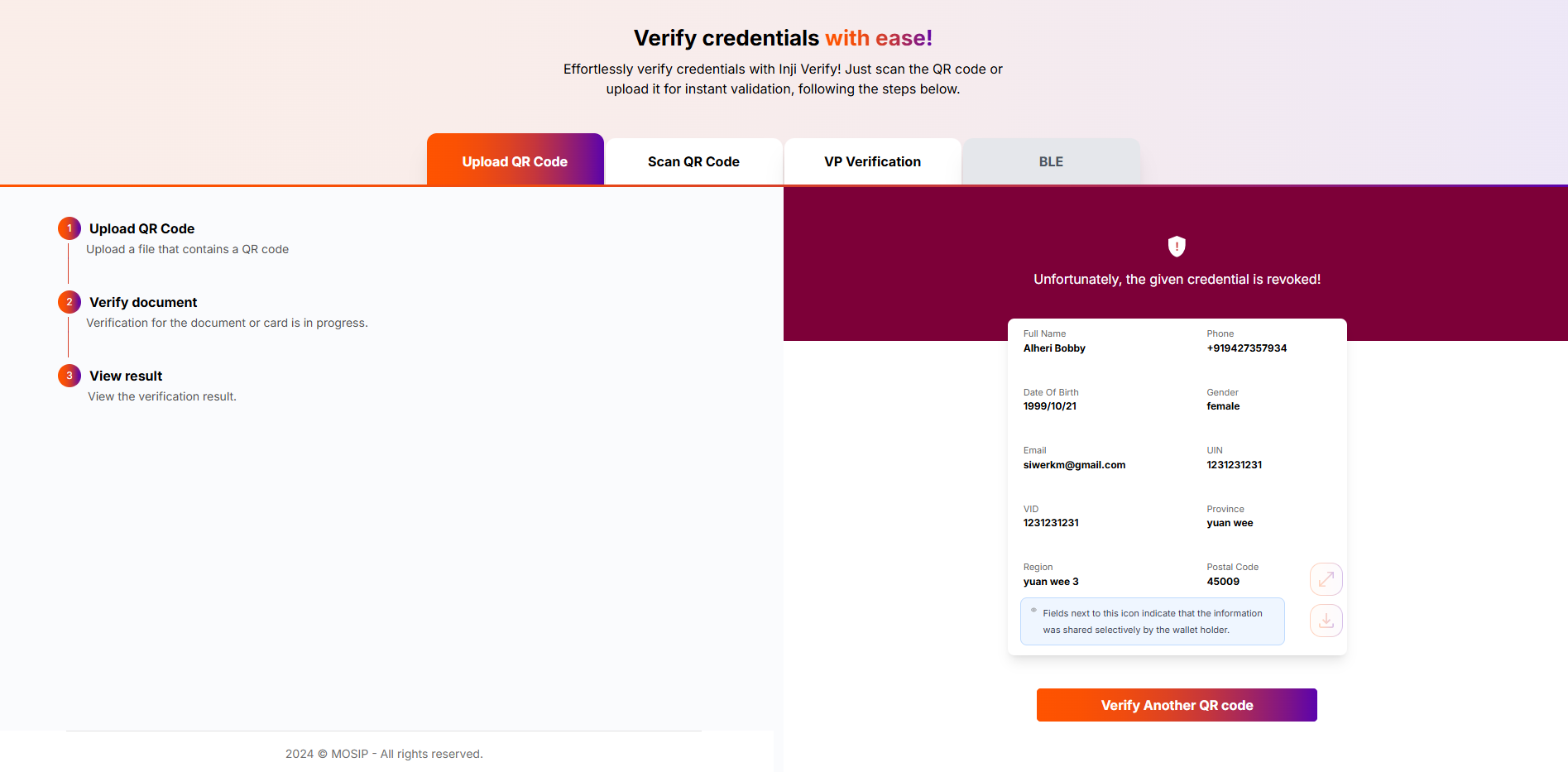
### Revoked Credentials
Inji Verify can now detect “Revoked” credentials if it is invalidated by the issuer. It ensures that verifiers can always check the latest credential status and helps maintain the integrity and trustworthiness of the verification process.
### SVG Credential Rendering
This feature enables the rendering of Verifiable Credentials in Scalable Vector Graphics (SVG) format, preserving the original design, layout, and branding of the credential. As a result, the displayed credential closely matches the issuer’s intended visual presentation, ensuring both authenticity and aesthetic consistency.
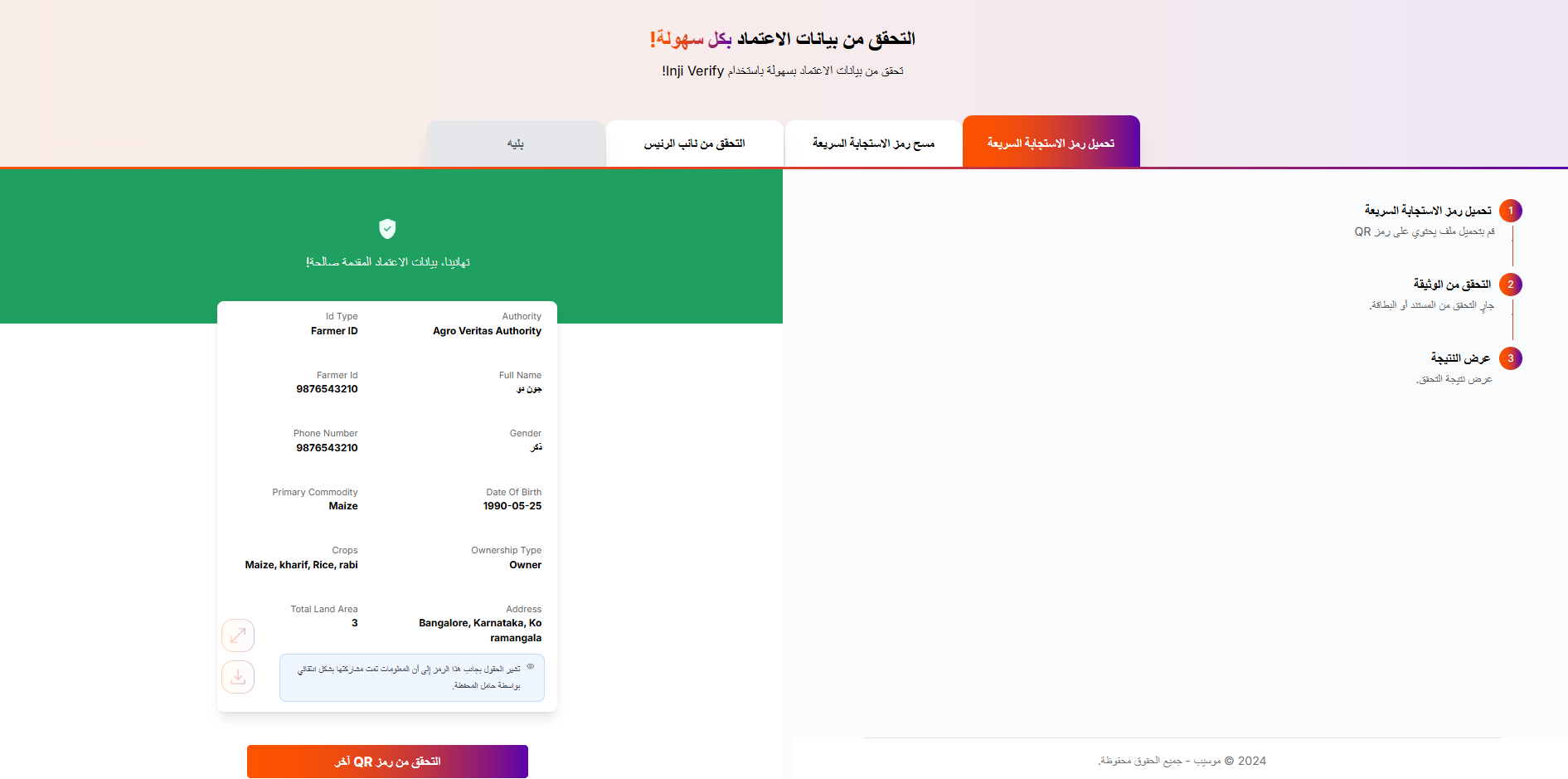
### Multilingual Credentials
VCs can now display claims in multiple languages. It allows issuers to include localized claim values, enabling verifiers and holders to view credentials in their preferred language, thereby improving accessibility and inclusivity across different regions and user groups.
---
# Agent Instructions
This documentation is published with GitBook. GitBook is the documentation platform designed so that both humans and AI agents can read, navigate, and reason over technical content effectively. Learn more at gitbook.com.
## Querying This Documentation
If you need additional information that is not directly available in this page, you can query the documentation by asking a question.
Perform an HTTP GET request on the following URL with the `ask` and `goal` query parameters:
```
GET https://docs.inji.io/inji-verify/functional-overview/end-user-guide/credential-display-capabilties.md?ask=&goal=
```
`ask` is the immediate question: it should be specific, self-contained, and written in natural language.
`goal` is what the user is ultimately trying to achieve, the reason they need the answer. Sharing it helps GitBook give you a better, more relevant answer. A goal is most helpful when it describes the outcome the user wants rather than restating the question. For example, with `ask=how do I create an API token`, a goal like `automate deployments from our CI pipeline` lets GitBook tailor the answer to that use case.
The response will contain a direct answer to the question and relevant excerpts and sources from the documentation.
Use this mechanism when the answer is not explicitly present in the current page, you need clarification or additional context, or you want to retrieve related documentation sections.